Studio
Studio tour
The Studio is where you design a visual live — pick a pattern, tune it, and preview every size and theme.
Studio
Open the Studio, 14 days free, then $9 a month or $99 a year (prices). Everything it makes can also be written by hand: see From Studio to your app.
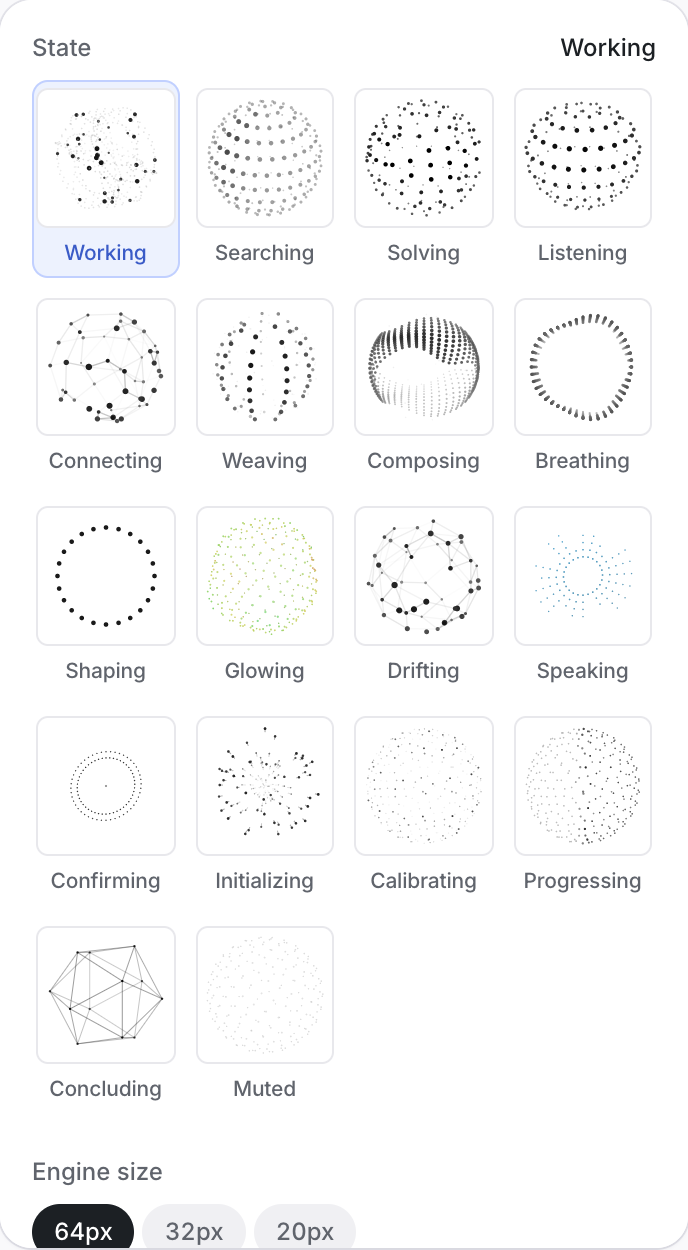
The Studio has one tab per object: Orbs, Signal, Ring, Beacon, Core, Character. Each tab opens a grid of pattern thumbnails — static drawings, so the grid stays calm; the stage beside it is the live one.
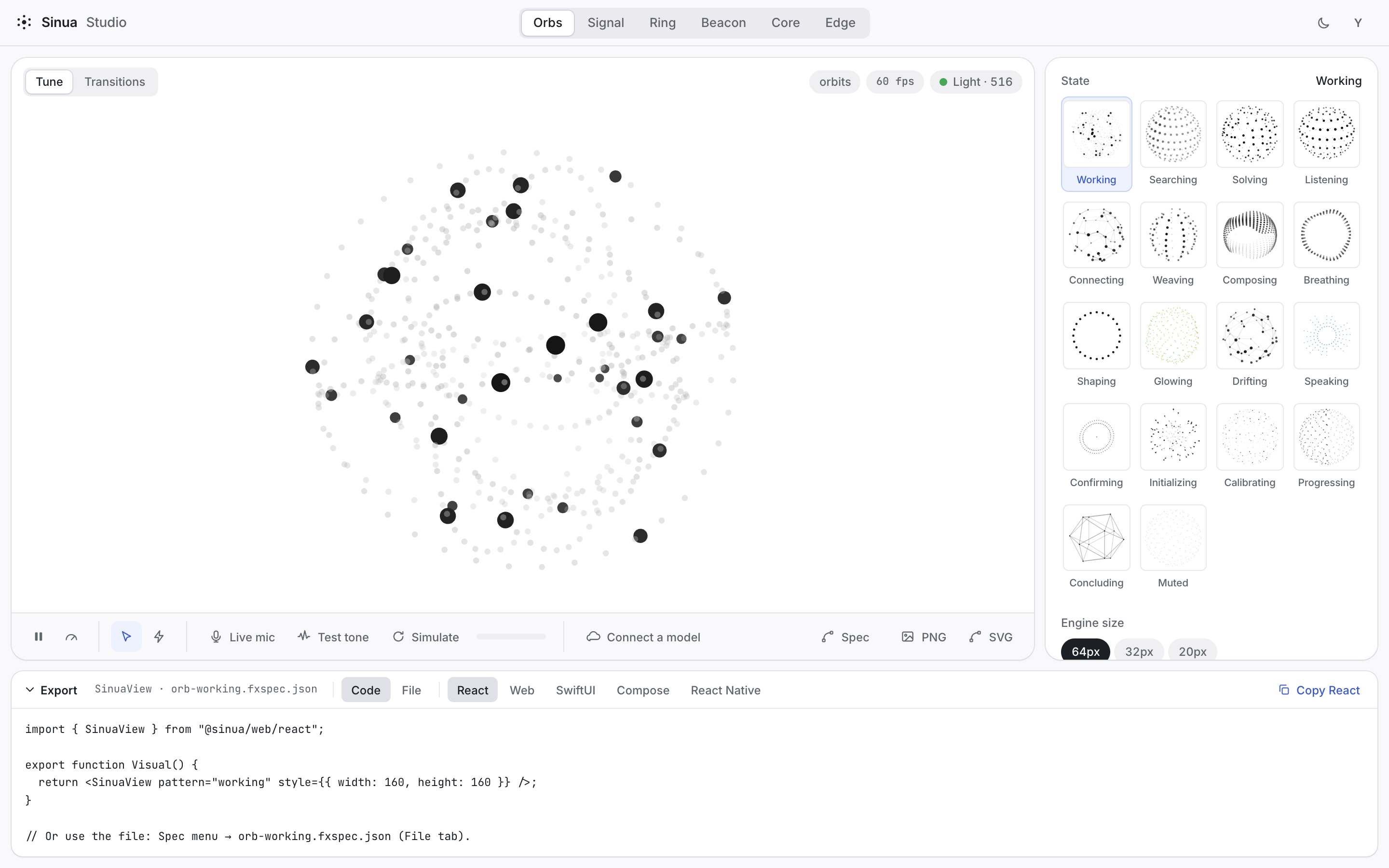
Pick a pattern, then tune it:
- Props: every prop in the catalog, grouped into Appearance, Motion and Energy, then Color and Gradient, then one group per material — Glow, Noise, Pulse — and Performance. Each group keeps its rarely-used props behind Advanced, and reactive inputs have their own block. A slider only counts as a change when it differs from the pattern's default, so exports stay minimal.
- Preview: light and dark, sizes 20, 32 and 64, a pointer that scatters the dots, a live voice (microphone, test tone, a simulated conversation or a vendor session), and a cost badge.
- Play effect: the stage bar previews the one-shot effects (success, error, celebrate) on your design. Once you've played one, the exported code ends with how your app triggers it.
- States and bindings: see Lifecycle & bindings.
- Transitions: Follow plays a conversation and shows each state change as it happens, with how big the largest jump was; Every change shows all sixteen changes between the four voice states side by side.
- Characters: colours by slot or role, and the richer look.
- Silhouette: the orb's head and shoulders, plain or as a hologram, or your own outline pasted in and checked by the engine.
- Export: code for each platform, an FX Spec file, or a PNG or SVG image. See Export.